Getting started
Paste one line into your site and you're collecting bug reports. It takes about two minutes.
What BugClip does
BugClip puts a small Report a bug button on your website. When someone hits a problem, they click it, drag a box around what looks wrong, type what happened, and press send.
The report lands in your dashboard as a picture (or a video) with their note — plus the browser errors that were happening at that moment, so you don't have to go back and ask “what browser?”, “what page?”, “can you send a screenshot?”
The person reporting the bug installs nothing. No account, no sign-up, no extension. They just click the button.
1. Create a project
A project is one website. Look after five client sites, and that's five projects.
Go to Projects, type a name, and hit Create project.
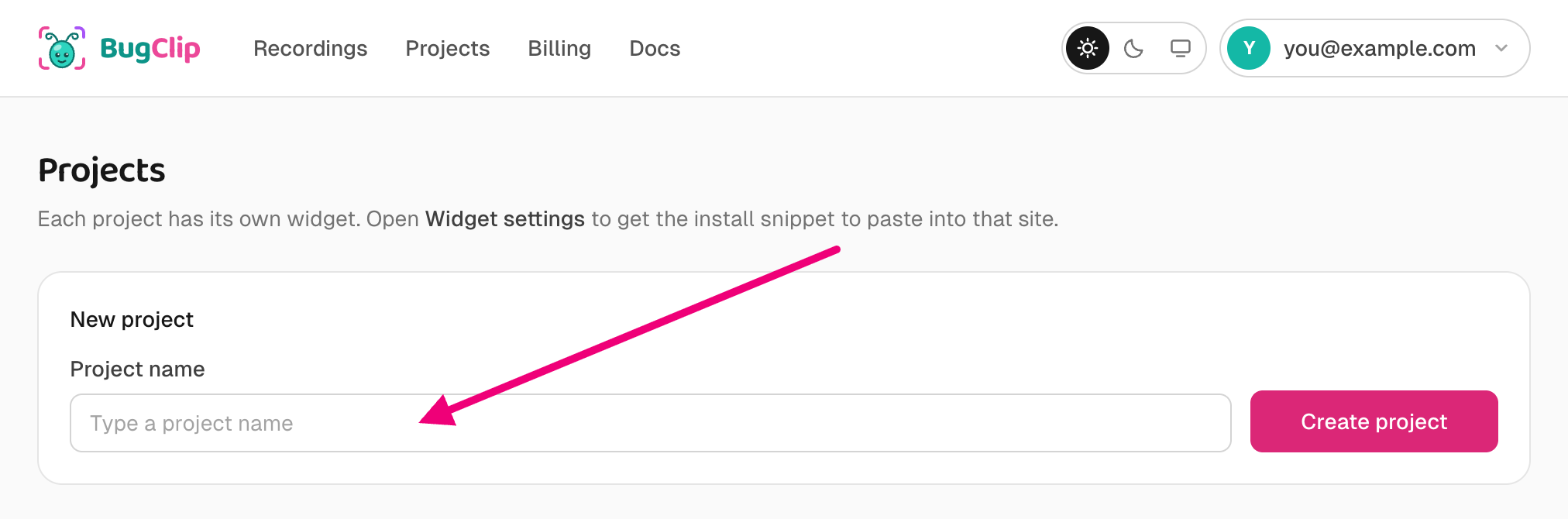
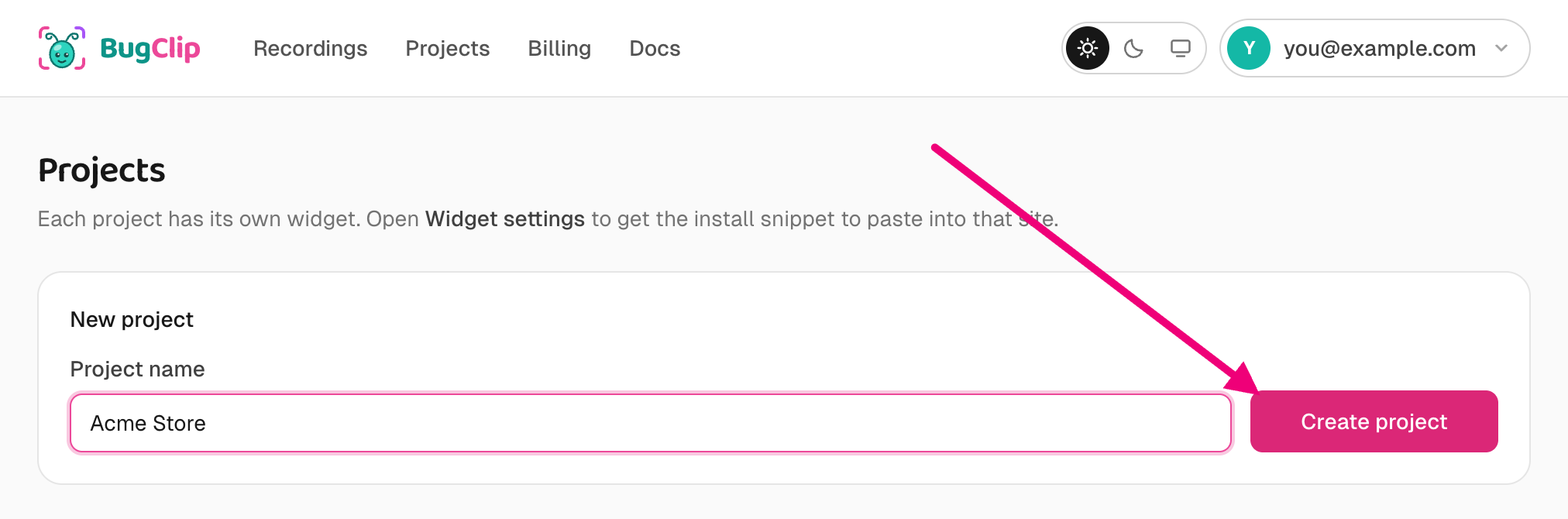
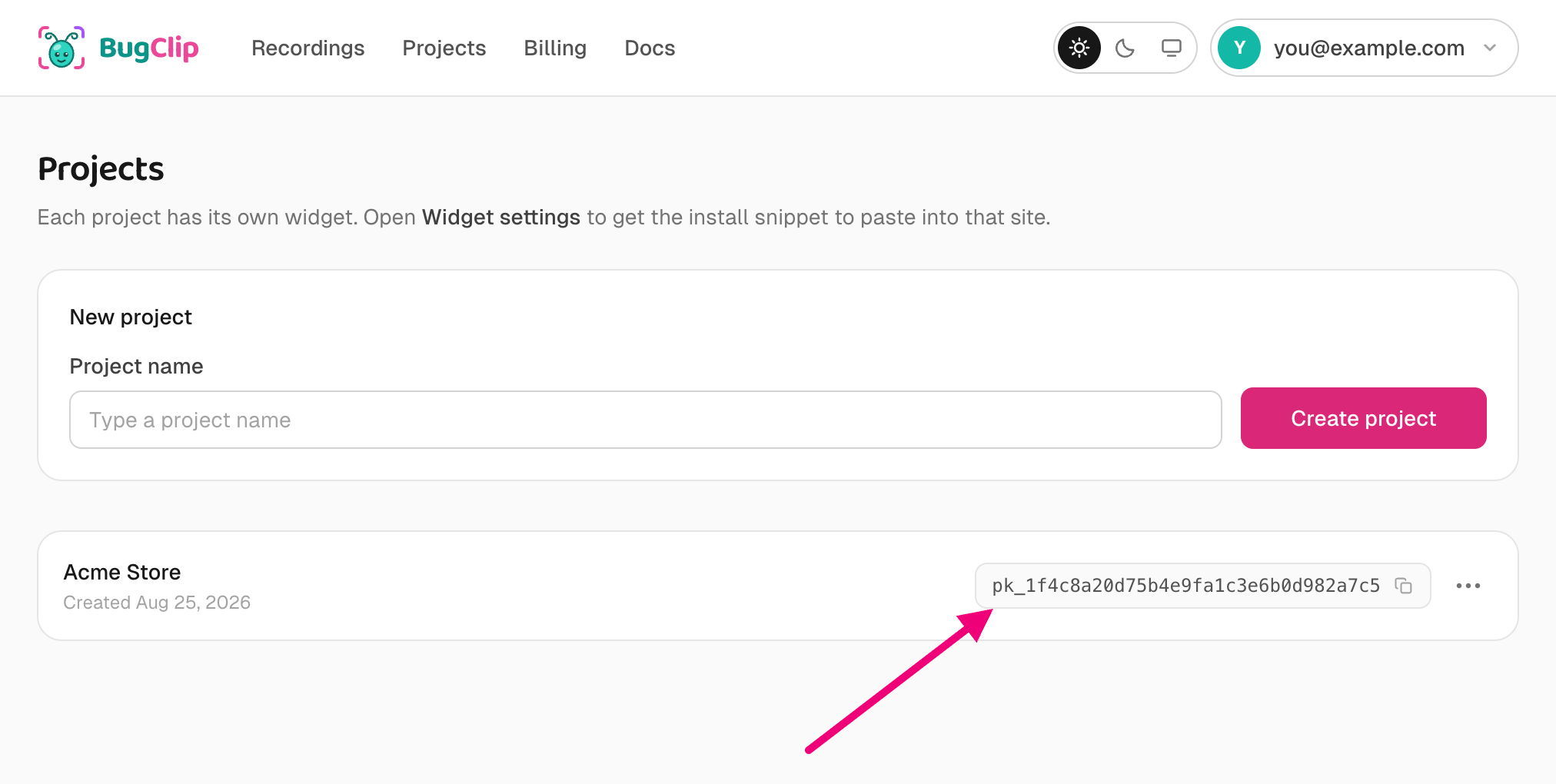
Each project gets its own key — a short string starting with pk_. That key is how BugClip knows which site a report came from. You'll use it in the next step.
2. Paste one line into your site
On the project's row, open the ⋯ menu to the right of its key and pick Widget settings.

The snippet is sitting at the top with your key already filled in — copy it.
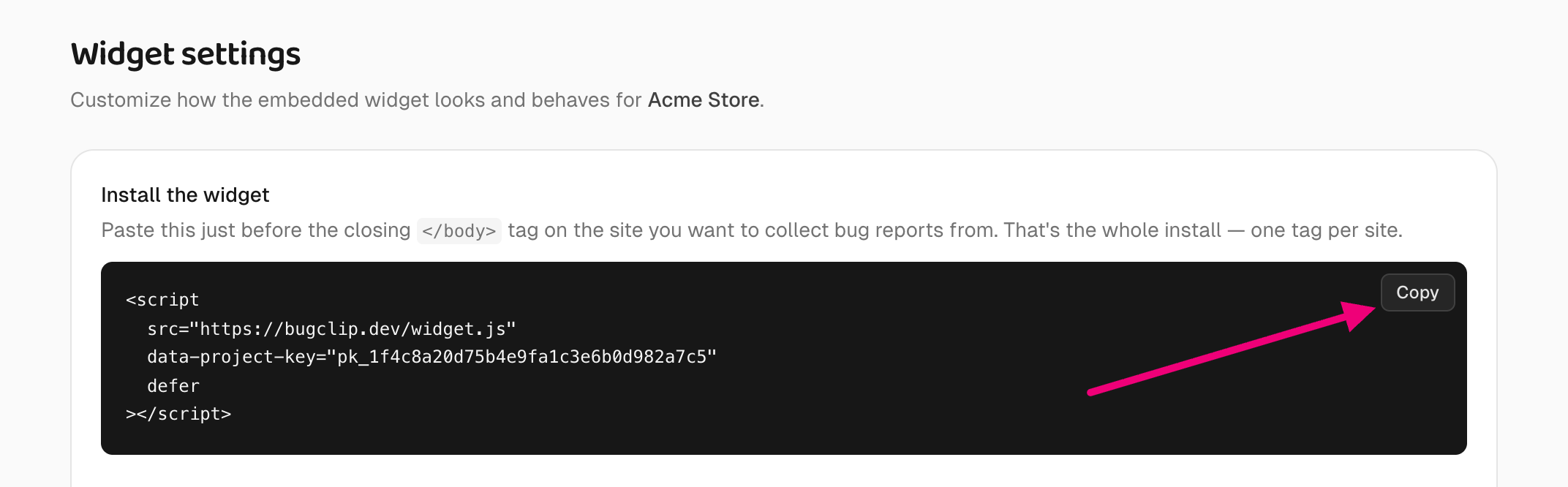
Paste it into your site just above the closing </body> tag:
<script
  src="https://bugclip.dev/widget.js"
  data-project-key="pk_your_project_key"
  defer
></script>
Deploy, and you're done. There's no npm package to install, no build step, and nothing for your visitors to download.
The defer on that tag matters: it tells the browser to finish drawing your page first and load BugClip afterwards, so the widget can never slow down the thing it's meant to be watching.
3. Check it worked
Load your site. A small 🐞 Report a bug button should appear in the corner. Click it, send yourself a test report, and it turns up under Recordings.
Nothing appeared? Head to Troubleshooting — it lists the handful of things that usually cause it.
Make the button yours
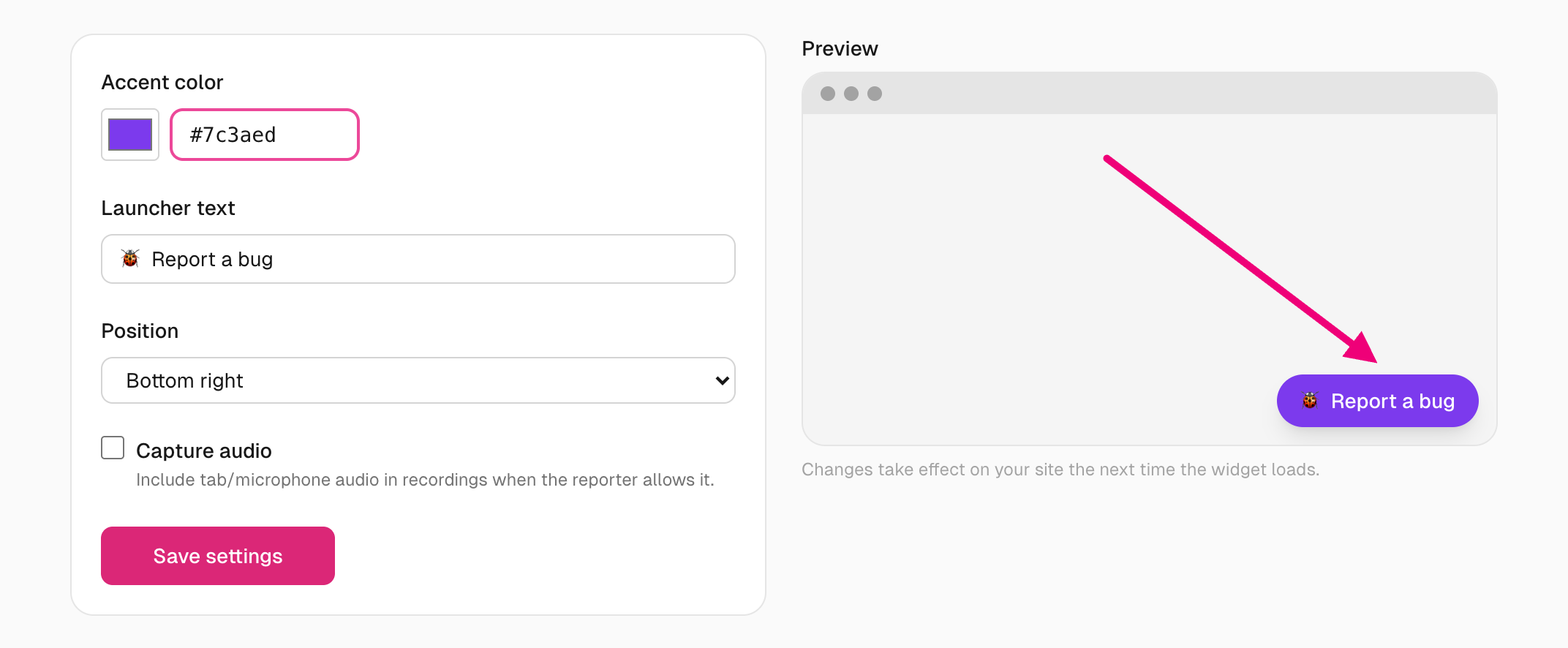
The same Widget settings page controls how the button looks: its colour, its wording, and which corner it sits in. You can also let reporters include sound from the page with Capture audio.
The preview on the right updates as you change things. Hit Save settings and your site picks up the change the next time it loads.
Put the button somewhere else too
The floating button in the corner works for most sites. But if your app already has a better home for it — a help menu, a nav item, a footer link — you can use that instead.
Add data-bugclip-report to any element on your page and it becomes a second way in:
<button data-bugclip-report>Report a bug</button>
<a href="#" data-bugclip-report>Something broken?</a>
That's all of it. No extra script, no JavaScript to write. It stays your element, so it keeps your styling — BugClip only listens for the click.
Clicking it grabs the screen straight away and opens the box to describe the problem. No dragging, no menu, no permission prompt. Buttons your app adds later — inside a modal, after a route change — work too, with nothing to re-register.
Try it on a site you can't edit
Sometimes you need a report from a page you can't deploy to — a client's live site, someone else's staging URL — or you just want to try BugClip before touching any code.
For this there's a bookmarklet — a bookmark that holds a snippet of code instead of a web address, so clicking it runs that code on whatever page you're looking at. This one loads the widget for that one visit.
Create a new bookmark, name it anything, and paste this as the URL — swapping in your project's pk_ key:
javascript:(function(){try{if(document.querySelector('[data-bugclip-launcher]')){alert('BugClip is already on this page.');return}if(document.querySelector('script[data-bugclip-loader]')){alert('BugClip is still loading — give it a second.');return}var s=document.createElement('script');s.setAttribute('data-bugclip-loader','');s.setAttribute('data-project-key','pk_your_project_key');s.onerror=function(){s.remove();alert('BugClip could not load from '+s.src+' — the script did not load. The URL in your bookmark may be out of date, or this site may block outside scripts (Content Security Policy).')};s.src='https://bugclip.dev/widget.js';document.body.appendChild(s)}catch(e){alert('BugClip could not start here. This site blocks scripts it did not serve itself (Content Security Policy).')}})()Click the bookmark on any page and the button appears, in your project's colour, exactly as if you'd installed the snippet. Reports arrive in that project like any other. It lasts until you reload the page — click the bookmark again to bring it back.
This is for trying things out and for sites you don't control. For your own sites, install the snippet — then it works for everyone who visits, not just whoever has the bookmark.
If your site has a Content Security Policy
Most sites don't — skip this section if yours is one of them. The widget works with no changes.
A Content Security Policy is a rule your site sends to the browser listing which outside domains it's allowed to load things from. If yours has one, the browser blocks anything not on the list, so you need to add BugClip to it:
script-src  https://bugclip.dev;
connect-src https://bugclip.dev;
img-src     data:;
script-src— lets the widget itself load.connect-src— lets the report actually get sent to you. This is the important one.img-src data:— shows a small thumbnail in the reporter's send screen. Cosmetic only.
connect-src and everything looks fine right up to the end — the button opens, the reporter marks up the screen — and then sending fails with “Upload failed” and their work is lost. If someone describes exactly that, check your policy first.If your policy only sets default-src and it already includes https://bugclip.dev, there's nothing to add. You only need to list a line you've set yourself.
Where to next
- Sending a report — what the person reporting the bug sees.
- Reading a report — what you get, and how to share it with a developer.
- Slack delivery — have reports land in a channel.